The SoftGym plate in one page: how to set it up, what each key on the remote does, and how the speeds, programs and timer fit together.
Setup
Setting up your SoftGym plate
01
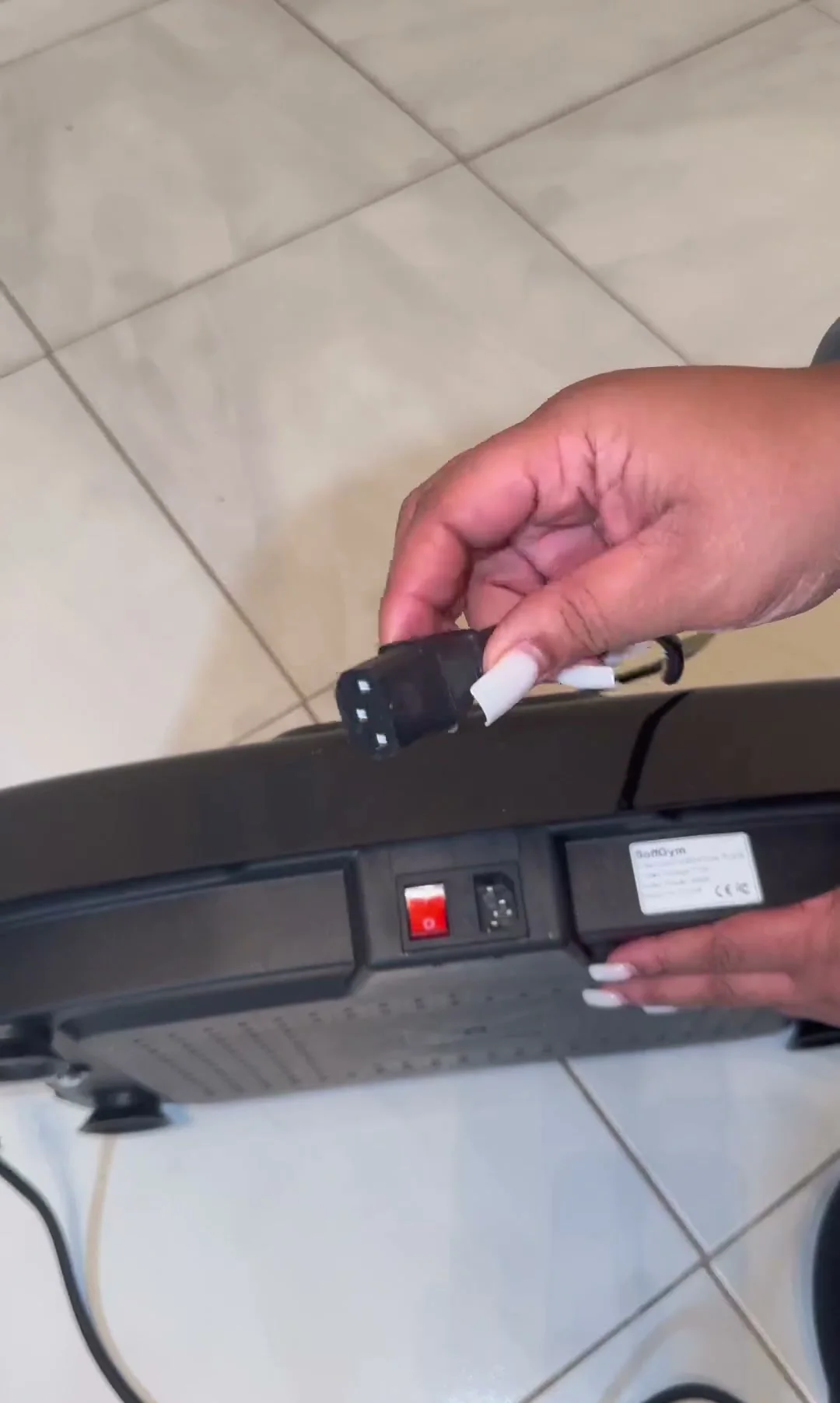
Plug the cord into the side of the plate
Use a hard, level floor with room around the plate, and plug the cord into the deck before you switch on.
02
Switch the power on at the plate
The rocker switch on the side of the deck wakes the console. Then the remote takes over.
03
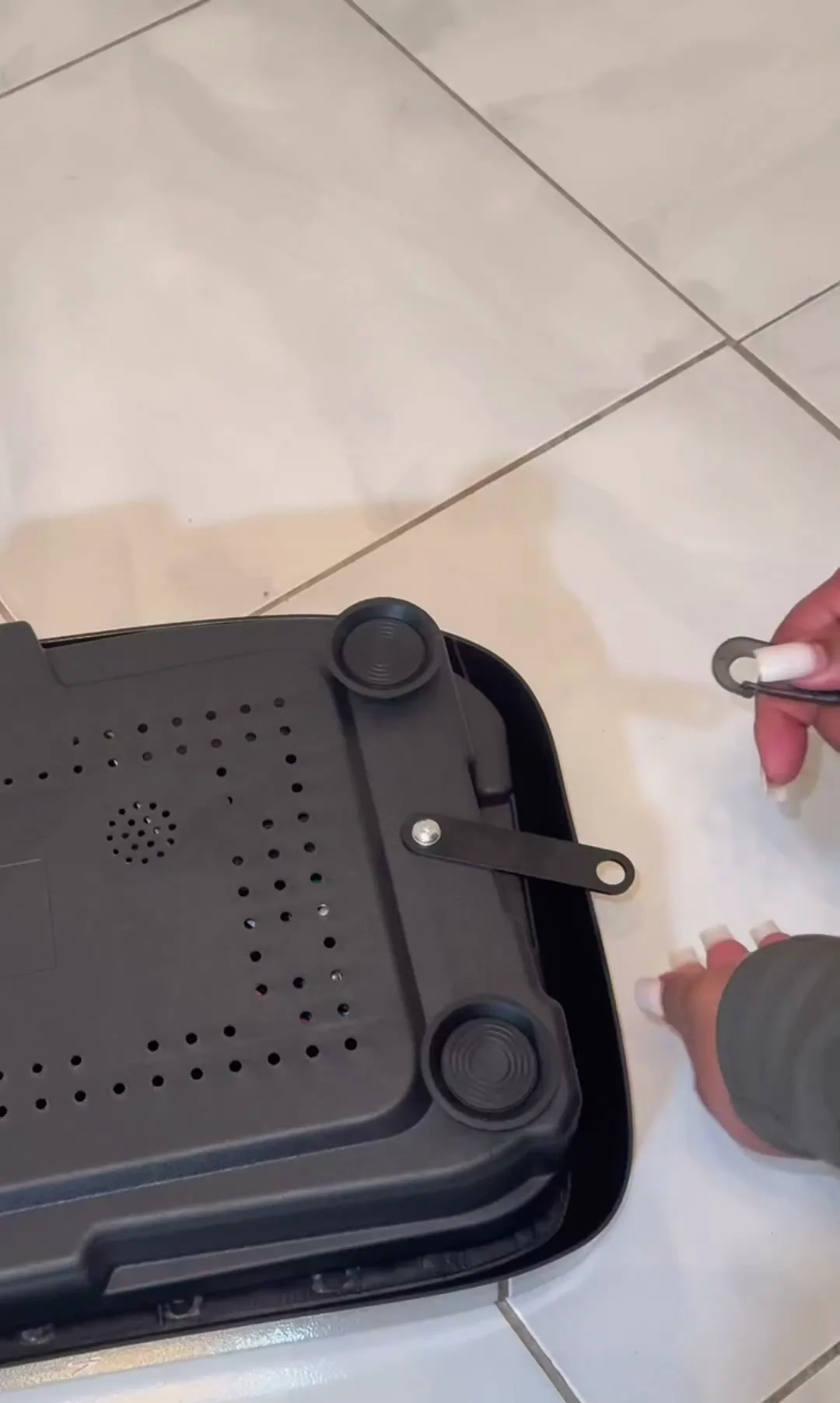
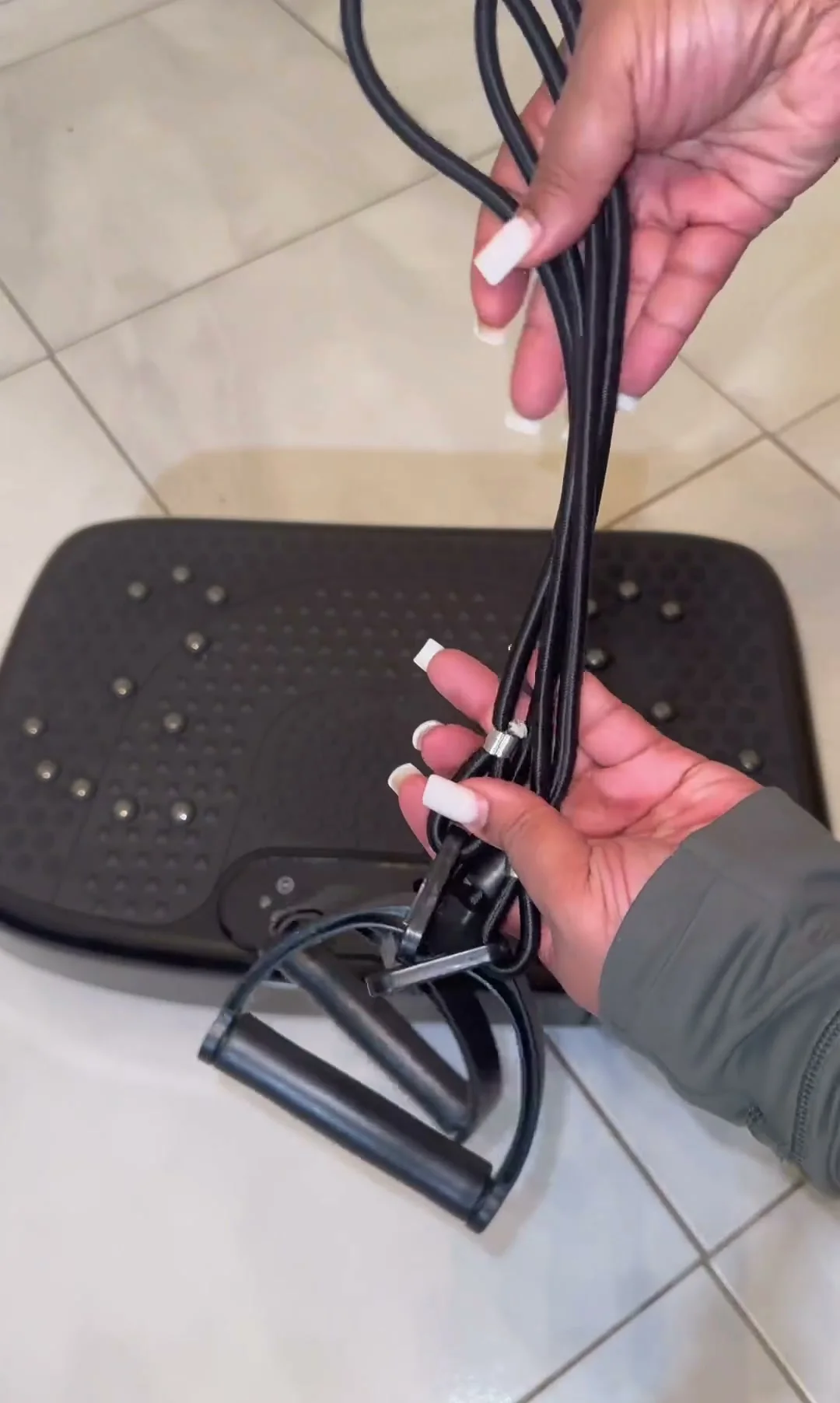
Clip the bands under the plate
Handle bands hook under the deck, so you can row and curl while the plate runs.
Remote
Every key on the SoftGym remote
SoftGym remote and console keys
Key
What it does
Power
Turns the plate on and off.
Start and Pause
Start a session or hold it. The console has its own Start/Pause key too.
Speed increase and decrease
Move the speed one step at a time across 120 steps.
30, 60 and 90
Jump straight to speed 30, 60 or 90 (the three red keys with figures).
M (Speed Cycle)
Cycles the speed for you.
P (Program mode)
Steps through the automatic programs P1 to P5.
Time decrease and increase
Set the session length from 1 to 15 minutes before you start.
Screen on/off (console)
Turns the display off and on.
Modes
Manual, programs and the timer
Set the plate on a hard, level floor with room around it, plug the cord into the side of the deck and switch the power on at the plate. The console lights up and the remote takes over from there: point it at the display, not at your feet.
You choose between running it by hand and letting a program run it. By hand, the plus and minus keys move the speed one step at a time across 120 steps, and the 30, 60 and 90 keys jump straight to those speeds. The Program mode key steps through P1 to P5, and each program changes the speed by itself while the timer, set from 1 to 15 minutes, counts down.
★★★★★★★★★★4.5(5,027) 4.5 out of 5 from 5,027 ratings
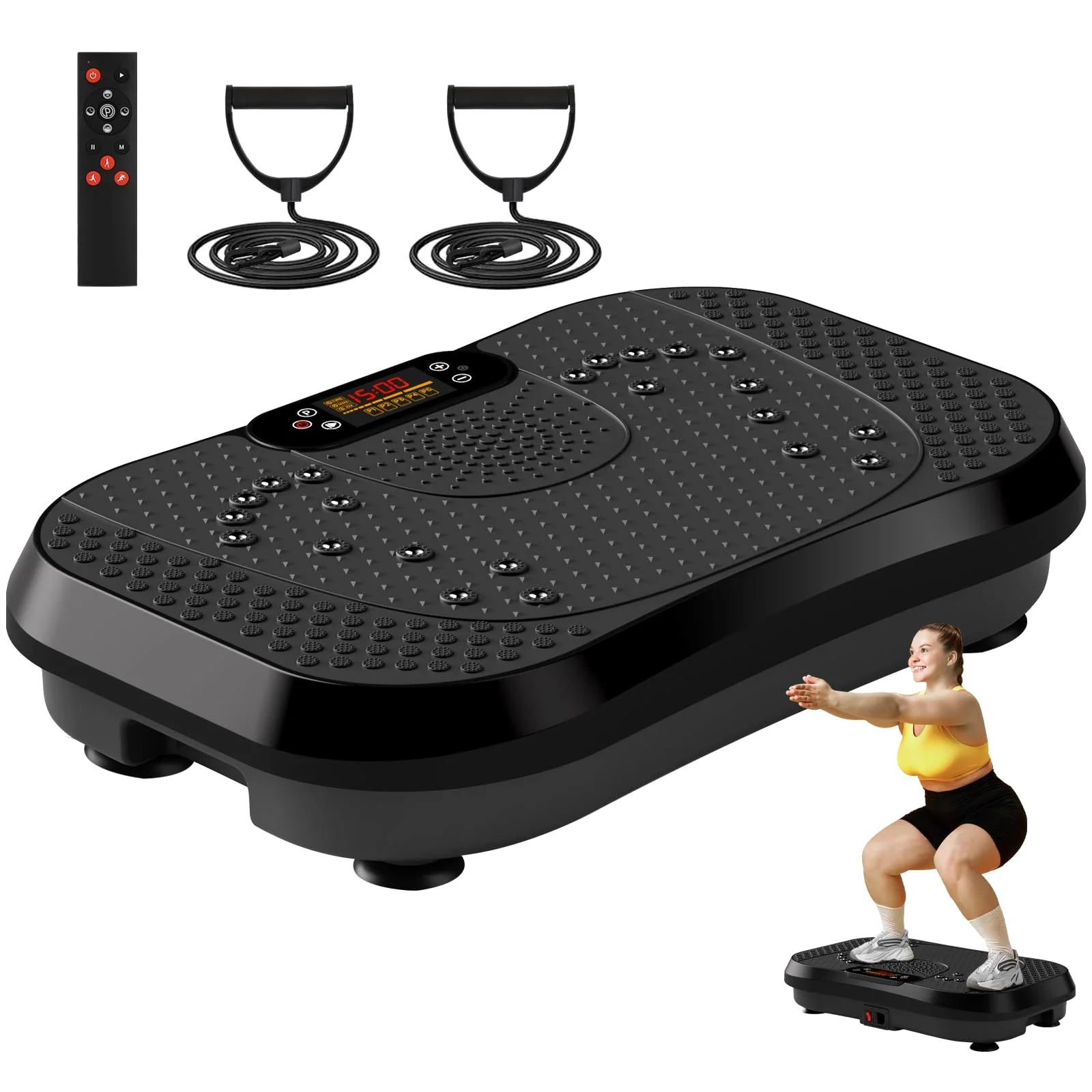
Up to 450 lb, 120 speeds, a remote and bands in the box
Color: Dark Black10 colors, one price
FootpadTriangles and bead rows
BandsTwo resistance bands with handles
Bluetooth speaker in the console
$69.99
Questions
Questions about the SoftGym manual
How do you change programs on your SoftGym plate?
Press the Program mode key on the remote. The display shows P1 to P5, the five automatic programs, and each one changes the speed by itself while the timer runs. The speed keys take you back to running it by hand.
What do the 30, 60 and 90 keys on your SoftGym remote do?
They jump straight to speed 30, 60 or 90, so you do not have to press the plus key dozens of times. From there you fine-tune with plus and minus.
How do you set the SoftGym timer?
Use the time keys on the remote before you start. You can set anything from 1 to 15 minutes, and the display counts it down.
Use left/right arrows to navigate the slideshow or swipe left/right if using a mobile device
Choosing a selection results in a full page refresh.
Press the space key then arrow keys to make a selection.